3D with sound
Side-by-side 3D video, with sound once you allow the microphone. Without it, videos are silent.
Guide
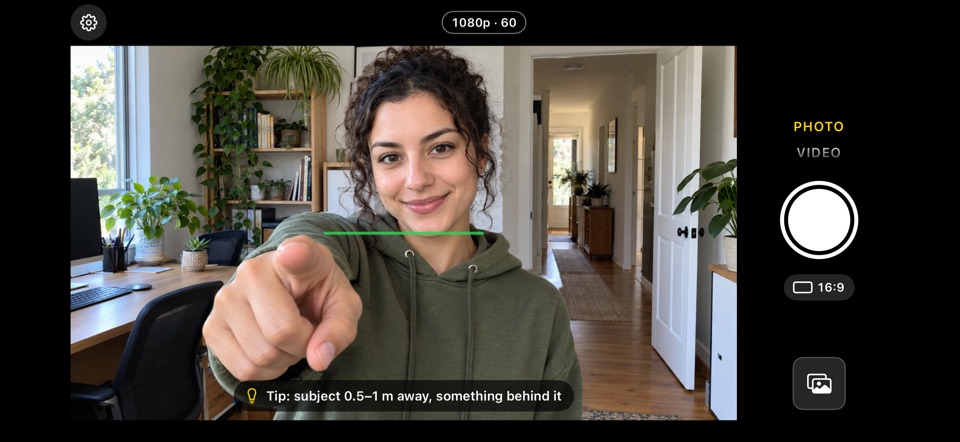
StereoCam films with both rear cameras at the same moment and saves side-by-side 3D video with sound, at up to 1080p and 60 fps in good light.
The same as a 3D photo, in Video mode.
In Video mode, the size and frame rate button shows the video size and the frame rate the camera is really filming at; tap it to change them.
Side-by-side 3D video, with sound once you allow the microphone. Without it, videos are silent.
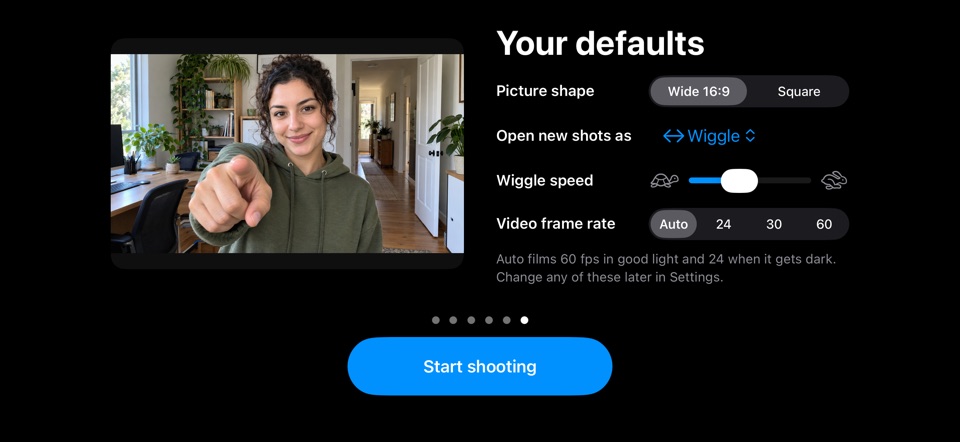
At 60 fps in good light. Auto switches to 24 fps when it gets dark, so the picture stays clean instead of grainy.
Videos are steadied without breaking the 3D.
On iOS 17 or later, Save as Spatial puts a copy in Photos that plays in 3D on Apple Vision Pro.
Yes, with an app that films with both rear cameras at once. StereoCam does that on iPhone 11 or later with an Ultra Wide camera (not iPhone SE, 16e, 17e or Air), with iOS 16 or later.
In StereoCam, up to 1080p, at 60 fps in good light. On Auto, it switches to 24 fps when it gets dark so the picture stays clean. Tap the size and frame rate button in Video mode to change them.
Yes, once you allow the microphone, which StereoCam asks for the first time you choose Video. Without it, videos are silent.
Yes. On iOS 17 or later, Share › More › Save as Spatial puts a spatial copy in Photos that plays in 3D on Apple Vision Pro. Sharing comes with StereoCam Pro.
Hold it sideways, keep the level line green and shoot: both rear cameras fire at once.
Wigglegrams from both rear cameras at the same moment, shared as a video or GIF.
The finger trick: two dots become three, and the middle picture snaps into 3D.
The wiggle look from your iPhone’s two rear cameras: no film, nothing to develop.
Five 3D camera apps for iPhone, sorted by how they get the depth.
Get StereoCam, hold your iPhone sideways and switch to Video. Your first photos and videos are free.
iPhone 11 or later · iOS 16+ · No account, no ads